
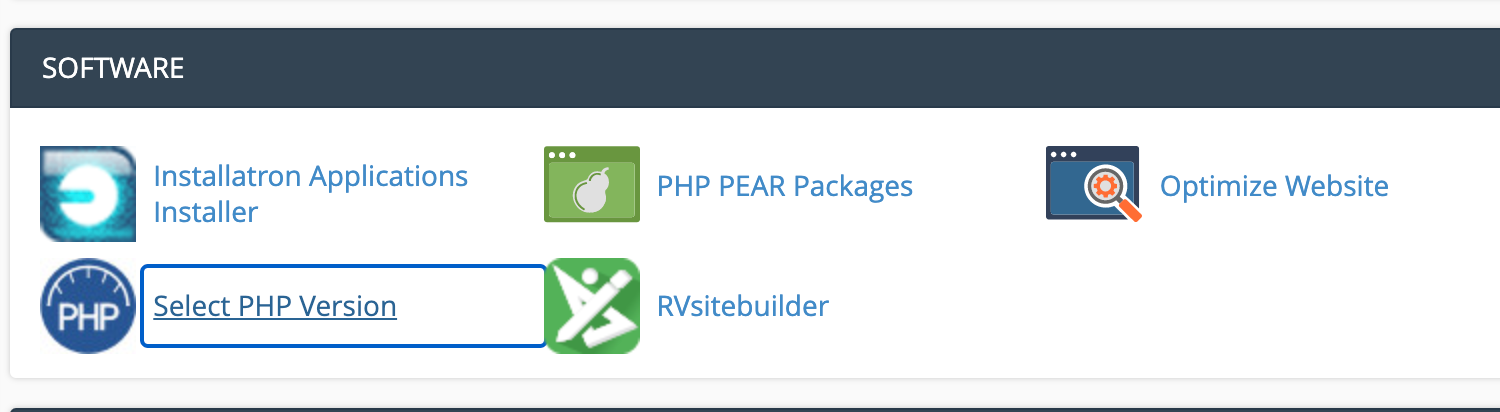
On a shared server the PHP version can be changed easily via the "Select PHP Version" tool, once logged into cPanel look for:
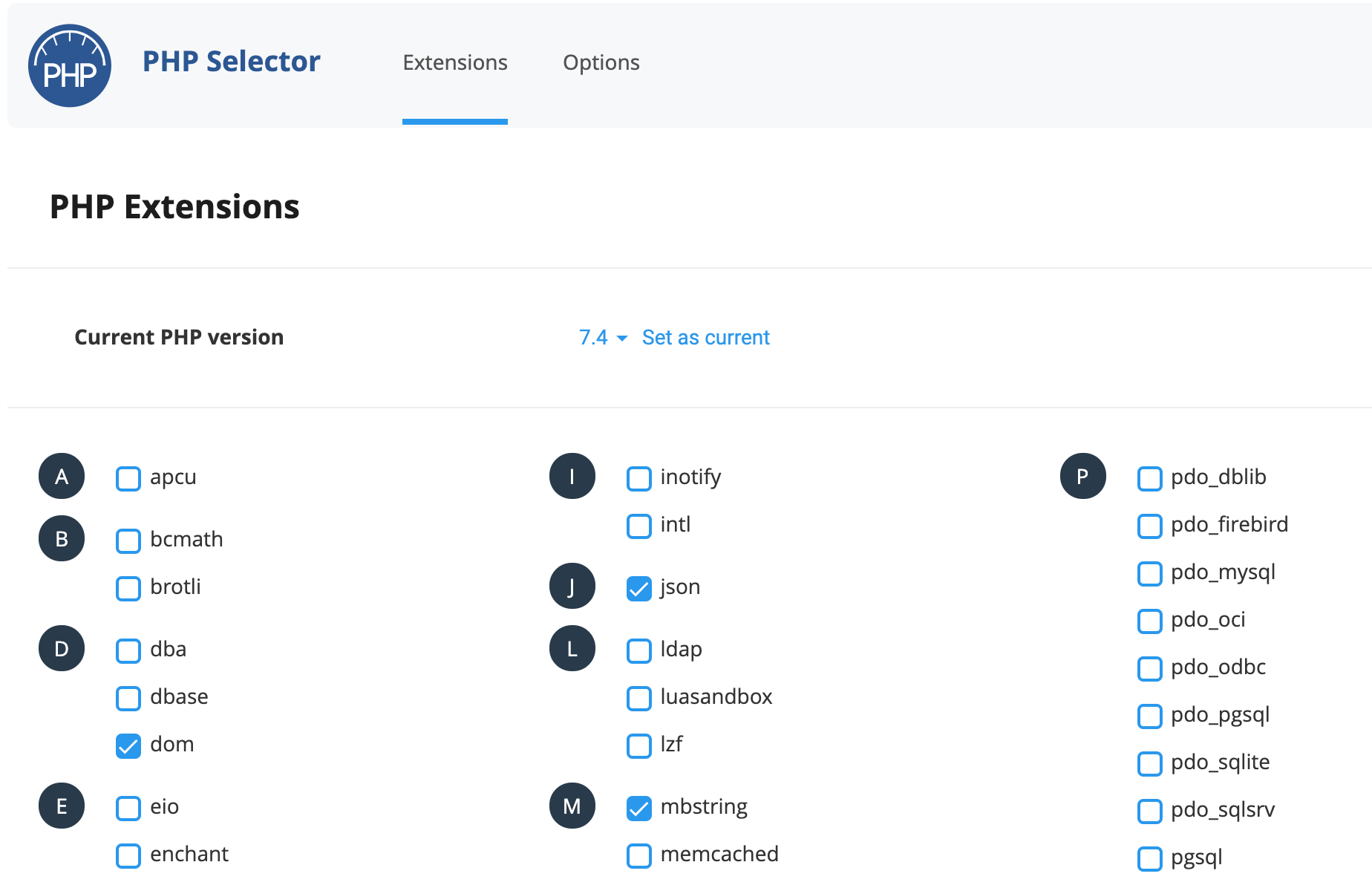
Simply click the version from the dropdown menu and click the "Set as current" button to change it, it's also recommended to click the Reset to default button in top right to apply the standard PHP modules for your PHP version:
For VPS/Dedicated servers, please create a support ticket via your Client Area and we can arrange a time & date for the PHP version to be upgraded.
Please note that unlike shared servers, this will affect your whole server so please ensure all applications/scripts are compatible beforehand.
